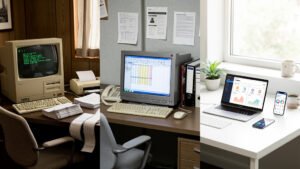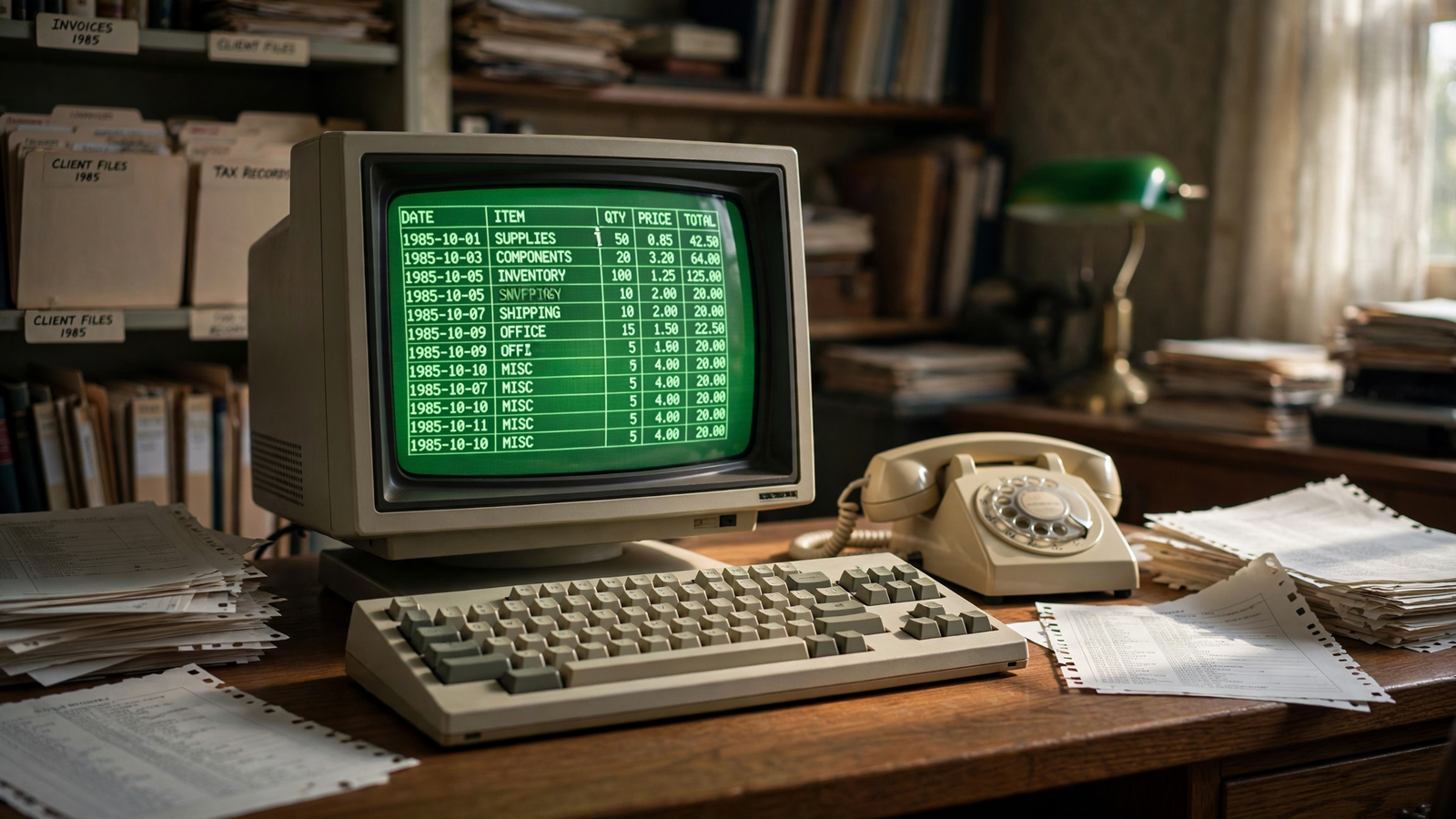
Long before spreadsheets became shared documents in a browser, they were grids of numbers glowing on small computer screens. A person could type a value, change an assumption, and watch the answer update without erasing a page of calculations.
That sounds ordinary now. In the late 1970s, it felt like a new kind of power.
The program that made the idea visible was VisiCalc, created by Dan Bricklin and Bob Frankston and released in 1979. Built for the Apple II, it was not the first attempt to organize information in rows and columns. But it was the first widely recognized electronic spreadsheet for personal computers, and it gave people a reason to buy a computer for work rather than curiosity alone.
VisiCalc helped establish one of the most durable ideas in computing: a computer could be a flexible thinking surface, not merely a machine for running finished programs.
A blackboard made of cells
The basic spreadsheet is easy to describe. A page is divided into columns and rows, creating small boxes called cells. A cell can hold text, a number, or a formula. Formulas can refer to other cells, which means a change in one place can flow through an entire calculation.
For a shop owner, that might mean changing the price of a product and seeing projected revenue update. For a household, it might mean adjusting rent, food, or transportation costs in a budget. For a student, it could mean testing the effect of different values in a science experiment.
The important breakthrough was not the grid by itself. It was the combination of the grid with immediate recalculation. A user did not have to describe every step of a calculation to the computer. Instead, the user could arrange a problem visually and let the machine keep track of the relationships.
That made the spreadsheet unusually approachable. People who did not think of themselves as programmers could still build useful models by entering values and formulas. They were programming in a limited, visible language: a cell reference here, an arithmetic operation there, and a structure that could be inspected at a glance. For related reading, see The Computer Mouse: How a Wooden Pointing Device Made Computers Human.
The idea begins at a blackboard
Dan Bricklin later described the experience that inspired VisiCalc while he was a student at Harvard Business School. He was watching a professor work through a financial model on a large blackboard. When an assumption changed, the professor had to erase and rewrite many numbers across the board.
Bricklin imagined a digital version of that process. Instead of a static set of figures, the screen would hold a table whose answers changed when its underlying numbers changed.
In 1978, Bricklin began developing the concept. Bob Frankston, an experienced programmer, joined the project and wrote much of the software that made it practical on the limited hardware available at the time. Their company, Software Arts, developed the program, while Personal Software later helped distribute it.
The first version ran on the Apple II, a machine with far less memory and processing power than even a basic modern phone. The program had to make careful use of those constraints. Yet its simple appearance concealed a demanding technical task: the computer had to store a changing table, interpret formulas, and recalculate dependent cells quickly enough for the experience to feel interactive.
Why the Apple II mattered
VisiCalc arrived at a moment when personal computers were moving from hobbyist electronics toward practical tools. The Apple II had a keyboard, a display, expandable hardware, and a growing audience of users who wanted to do more than write programs for themselves.
A spreadsheet gave the machine an immediate business purpose. A small company could use it for planning without commissioning custom software. An accountant could experiment with a model. A manager could test a forecast. A student could understand a calculation by changing its inputs rather than treating the result as fixed.
Computer historians often describe VisiCalc as an application that helped sell the Apple II. That does not mean every Apple II owner bought the machine for spreadsheet work, or that VisiCalc was the only important program on the platform. It means the program answered a practical question that personal computers had not answered so clearly before: what can this machine do for me tomorrow?
The answer was not simply “calculate.” It was “help me explore a changing problem.” For related reading, see Chicano Park: How San Diego’s Barrio Turned Concrete Pillars Into a Living Gallery.
From paper ledgers to living models
Paper spreadsheets had existed for centuries in the broad sense of tables used to organize accounts and calculations. Businesses used ruled forms, ledgers, and accounting worksheets to keep information in a structured layout.
The electronic spreadsheet changed the cost of revision. On paper, a changed assumption could require a chain of crossed-out figures, a new page, or a complete recalculation. In an electronic sheet, the model could remain intact while its inputs changed.
That distinction encouraged experimentation. A user could ask “what if?” without committing to a single answer. What if sales rose by 10 percent? What if materials cost more? What if a loan were paid over five years instead of three?
Spreadsheets therefore became more than digital ledgers. They became small laboratories for decisions. They could expose relationships among numbers, although they could not guarantee that the assumptions or formulas were correct.
The grid becomes a platform
VisiCalc’s success inspired competitors and successors. Lotus 1-2-3, introduced in the early 1980s for IBM-compatible personal computers, combined spreadsheet calculations with charting and database functions. It became one of the defining applications of the business PC era.
Microsoft released the first version of Excel for the Macintosh in 1985 and later brought it to Windows. Excel’s graphical interface, formula system, charting tools, and broad integration helped make the spreadsheet a standard feature of office computing. Later programs, including OpenOffice Calc and Google Sheets, extended the same basic concept into free, collaborative, and web-based environments.
The appearance of the software changed dramatically over time. Early spreadsheet users navigated through text commands and keyboard shortcuts. Modern users can drag a fill handle, select a chart type, filter a table, or share a workbook with colleagues in another city. But the underlying pattern remains recognizable: cells hold values, formulas connect them, and the sheet recalculates when the model changes. For related reading, see Isotype: How Vienna Turned Statistics Into Pictures Anyone Could Read.
The hidden cost of flexibility
The spreadsheet’s openness is both its strength and its weakness. A document can be built quickly by someone who understands a particular task, without waiting for a software developer. But that same freedom can make errors difficult to detect.
A mistyped cell reference, a missing parenthesis, or an incorrect assumption can produce a polished-looking result. A spreadsheet may contain hidden rows, accidental hard-coded numbers, inconsistent formulas, or links to files that no longer exist. The more important the decision, the more valuable it becomes to review formulas, label assumptions, preserve source data, and have another person check the model.
These risks do not make spreadsheets untrustworthy by nature. They show that a spreadsheet is a small information system, even when it begins as a quick table. It has inputs, rules, outputs, and users. Treating it with the same care given to other software can make it much safer and easier to understand.
Why the spreadsheet still matters
Many technologies introduced in the personal-computer era have disappeared behind newer interfaces. The spreadsheet has done the opposite. It has moved from floppy disks to local applications, from office servers to cloud platforms, and from desktop screens to phones and tablets.
Its endurance comes from a useful balance. A spreadsheet is structured enough to perform complex calculations but open enough to adapt to unfamiliar problems. It can be a budget, a schedule, a research table, a classroom exercise, a sales forecast, or a temporary sketch of an idea.
That adaptability was already present in VisiCalc’s central insight. Numbers do not have to sit in a fixed report. They can become a landscape that a person explores.
In 1979, a small program on an Apple II made that landscape visible to a much wider audience. The spreadsheet’s most lasting achievement was not replacing paper tables. It was changing what people expected a personal computer to be: a machine that could help them revise their questions as easily as it calculated their answers.
Use: Background on VisiCalc, the personal-computer spreadsheet, and its place in early business computing.
Use: Creator background, the blackboard inspiration, development history, and the 1979 release.
Use: Context on the Apple II and the rise of practical personal-computer applications.
Use: Overview of spreadsheet concepts, history, and the development of major spreadsheet software.
Use: General context for Excel’s role in the evolution of spreadsheet software.
Computer History Museum — VisiCalc and the Electronic Spreadsheet — https://www.computerhistory.org/revolution/personal-computers/17/301 — Background on VisiCalc, the personal-computer spreadsheet, and its place in early business computing.
Dan Bricklin — VisiCalc history and personal account — https://www.bricklin.com/visicalc.htm — Creator background, the blackboard inspiration, development history, and the 1979 release.
Computer History Museum — Apple II — https://www.computerhistory.org/revolution/personal-computers/17/297 — Context on the Apple II and the rise of practical personal-computer applications.
Encyclopaedia Britannica — Spreadsheet — https://www.britannica.com/technology/spreadsheet — Overview of spreadsheet concepts, history, and the development of major spreadsheet software.
Microsoft Learn — Excel history and product documentation — https://support.microsoft.com/en-us/office/a-brief-history-of-excel-7e6f7f9e-7f4e-4c5f-b2c1-8b4c6f1e2c2a — General context for Excel’s role in the evolution of spreadsheet software.